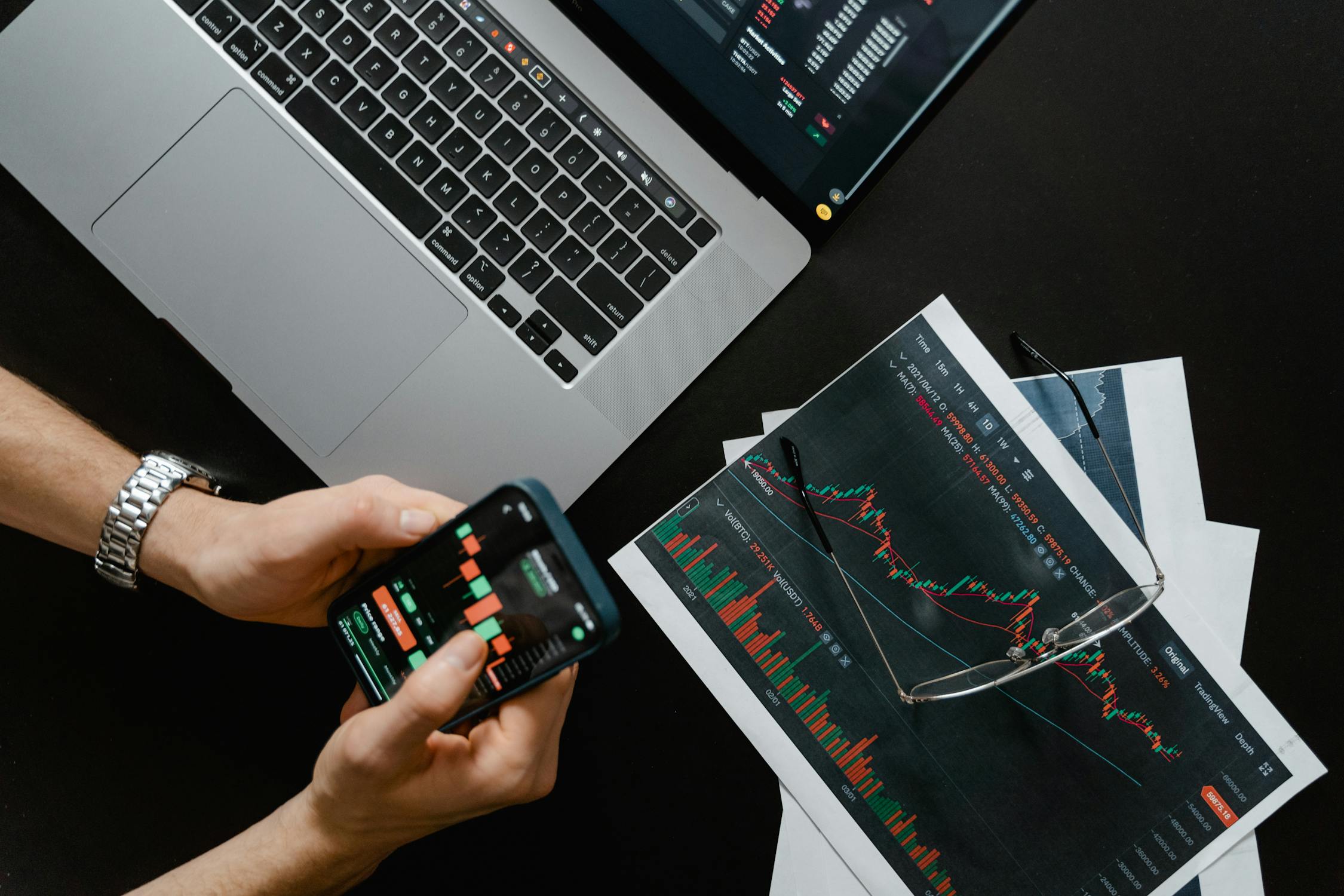
I still remember the first time I tried to trade a Solana memecoin. It was late 2024, I had just moved some SOL into Phantom, and someone in a Discord server said a token was “about to send.” I aped in blind — no tracker, no safety checks, no plan. Five minutes later the chart was a vertical red line and my SOL was gone. That rug cost me about $180, but the lesson was worth ten times that: you do not trade memecoins without a proper setup.
This guide is everything I wish someone had handed me that night. If you’re brand new to memecoin trading on Solana, I’m going to walk you through the exact toolchain I use today — from choosing a solana memecoin tracker to configuring filters, connecting a wallet, and placing your first cautious trade. No fluff, no shilling, just the practical steps.
What Does a Memecoin Tracker Actually Do?
Let me put this in perspective. On any given day, over 50,000 tokens launch on Solana — most of them through platforms like Pump.fun. The vast majority are worthless, many are outright scams, and a tiny handful will do 10x-100x within hours. A memecoin tracker is the tool that sits between that firehose of launches and your wallet.
A good tracker does three things:
- Detection — It monitors on-chain activity in real time and surfaces new token launches the moment they happen.
- Filtering — It lets you cut through the noise with customizable filters: holder count, liquidity, safety score, market cap, age, and more.
- Alerting — It notifies you when a token meets your specific criteria, so you don’t have to stare at a screen 18 hours a day.
Without a tracker, you’re relying on Twitter callouts and Telegram groups — which means you’re always late, always someone else’s exit liquidity. I learned that the hard way more than once.
The Essential Tool Stack
Before we get into the step-by-step, here’s the full toolchain you need. Every piece has a job. Skip one and you’ve got a gap in your workflow.
| Tool | Purpose | Why It Matters |
|---|---|---|
| Memecoin Tracker / Screener | Detect, filter, and monitor new tokens | Your primary decision-making dashboard — everything starts here |
| Solana Wallet (Phantom / Solflare) | Hold SOL, sign transactions, swap tokens | You need a non-custodial wallet — never trade from a CEX wallet |
| DEX Aggregator (Jupiter / Raydium) | Execute swaps at the best available price | Aggregators route across multiple pools, saving you slippage |
| Block Explorer (Solscan / Solana FM) | Verify transactions, check token contracts | Your last line of defense — always verify what you’re about to buy |
| Safety Checker (RugCheck) | Analyze token authority, LP lock, holder distribution | Catches rugs before you’re in them — non-negotiable |
If you need a deeper breakdown of wallets, I wrote a separate piece on setting up Phantom step by step. For now, let’s focus on the tracker — because that’s the piece most beginners skip.
Step-by-Step: Setting Up Your Memecoin Tracker
Step 1: Choose Your Tracker
This is the decision that shapes everything else. You want a memecoin screener that covers Solana natively — not an Ethereum-first tool with Solana bolted on as an afterthought. I’ve tried at least a dozen over the past two years, and the ones that matter share a few traits: real-time data, solid filtering, safety scoring, and a clean interface that doesn’t overwhelm you.
I personally use TokenRadar as my primary screener. It pulls from both Pump.fun and Moonshot in real time, runs automatic safety analysis on every token, and lets me filter down to exactly the profile I want. If you want to compare options, check out my roundup of the best solana memecoin trackers currently available.
Whatever you choose, make sure it has these non-negotiables:
- Real-time token detection (not 5-minute delayed feeds)
- On-chain safety analysis (not just price data)
- Customizable filters you can save
- Mobile-friendly UI (you will check it from your phone, trust me)
Step 2: Configure Your Filters
This is where most beginners go wrong. They either leave everything on default (and drown in noise) or set filters so tight that nothing comes through. Start with a balanced baseline and adjust from there.
Here’s the starter filter set I recommend for your first week:
- Minimum holders: 50+ (filters out tokens nobody is actually buying)
- Minimum liquidity: $5,000+ (avoids tokens you literally can’t sell)
- Safety score: Medium or higher (keeps the obvious rugs out of your feed)
- Source: All sources enabled (Pump.fun, Raydium migrations, Moonshot)
- Age: Under 2 hours (you want fresh launches, not stale charts)
I have a whole article on filtering 50,000 daily launches down to a handful if you want to go deep on filter logic. But for now, the settings above will give you a manageable feed of maybe 20-40 tokens per day — enough to study without being overwhelmed.
Step 3: Set Up Alerts
Once your filters are dialed in, set alerts so you’re not glued to the screen. Good trackers let you configure notifications for specific conditions — a token crossing a holder threshold, hitting a market cap milestone, or passing a safety check.
My alert setup is simple:
- New token matches my filter profile → browser notification
- Token I’m watching crosses 100 holders → push notification
- Safety score changes on a token I hold → immediate alert
Pro tip: keep notification sounds off by default. You’ll get a lot of alerts early on while you’re learning what matters. Turn sound on only when you’re actively in “hunting mode.”
Step 4: Connect Your Wallet
Now connect your Solana wallet to both your tracker and your preferred DEX. A few things I wish I’d known earlier:
- Use a dedicated trading wallet. Don’t use the same wallet where you hold your main SOL stack. Create a fresh Phantom wallet specifically for memecoin trading. Fund it with only what you’re prepared to lose.
- Set transaction priority fees. On Solana, fast execution matters. Set your priority fee to “Medium” or “High” in Phantom’s settings. The extra 0.001 SOL is nothing compared to missing a trade because your transaction sat in the queue.
- Bookmark your DEX. Phishing sites clone Jupiter and Raydium frontends constantly. Bookmark the real URLs and never click swap links from Discord or Telegram.
If you’re completely new to buying memecoins on Solana, I wrote a beginner’s buying guide that walks through the actual swap process in detail.
Step 5: Practice With Small Amounts
I cannot stress this enough: your first trades should be tiny. I’m talking 0.05-0.1 SOL per trade. The goal isn’t to make money — it’s to build muscle memory for the entire flow: spot a token on your tracker, check the safety score, verify on Solscan, execute the swap, set a mental stop-loss, and exit.
Do this ten times before you even think about sizing up. Each of those trades will teach you something — how fast memecoins move, how slippage works, what a rug looks like in real time, how to read holder distribution. That education is worth far more than any single trade.
Common Setup Mistakes (I’ve Made All of These)
Let me save you some pain. These are the mistakes I see beginners make repeatedly — and a few I made myself:
- No safety checks. Buying a token because “the name is funny” without checking if mint authority is revoked, if LP is locked, or if one wallet holds 80% of supply. Always run a safety checklist before you buy anything.
- Using too many tools at once. You don’t need seven trackers, three Telegram bots, and a custom script. Start with one solid tracker and one wallet. Add complexity later.
- Ignoring gas/priority fees. A failed transaction on Solana still costs you a fee. And a slow transaction means you buy at a worse price — or not at all. Configure priority fees upfront.
- FOMO-driven filter loosening. You’ll see a token pump that your filters excluded, and you’ll want to loosen everything. Resist. Your filters exist to protect you. The one that got away is nothing compared to the ten rugs your filters blocked.
- Not tracking your trades. Keep a simple spreadsheet: token, entry price, exit price, P&L, notes. After 50 trades you’ll have real data about what works and what doesn’t — for your style, not some influencer’s.
Customizing Filters for Your Strategy
Once you’ve got the basics running, it’s time to tune your setup to match how you actually want to trade. The best memecoin tracker 2026 is the one configured for your strategy, not someone else’s. Here are three common approaches and how to configure your screener for each.
| Strategy | Filter Profile | Risk Level | Best For |
|---|---|---|---|
| Sniper | Age < 5 min, any holders, all sources, low safety threshold | Very High | Experienced traders who can evaluate tokens in seconds and accept frequent losses |
| Swing Trader | Age 30 min–6 hrs, 100+ holders, $10K+ liquidity, medium safety | Medium | Traders looking for tokens that survived the initial dump and are building momentum |
| Safety-First | 200+ holders, $20K+ liquidity, high safety score, migrated to Raydium | Lower | Beginners and conservative traders who’d rather miss gains than eat a rug |
Sniper Setup
Sniping means catching tokens within the first few minutes of launch. Your tracker needs to be real-time — even a 30-second delay kills this strategy. Set your feed to show everything from Pump.fun, sort by newest, and focus on tokens where the dev wallet is small and early holder distribution looks organic. This strategy has the highest win rate in terms of multiples when you hit, but you will eat rugs. Budget accordingly. I only snipe with 0.05 SOL per trade.
Swing Trader Setup
This is my personal sweet spot. I want tokens that have survived their first 30-60 minutes, have at least 100 holders, and show some volume. I filter for tokens that migrated from Pump.fun to Raydium — that migration itself is a quality signal because it means the token hit a $69K bonding curve. I check the chart for consolidation patterns and enter if the safety score is clean. Typical hold time: 2-8 hours.
Safety-First Setup
If you’re just getting started, this is where you should live. Strict safety filters, high holder requirements, decent liquidity. You’ll miss early-stage moonshots, but you’ll also avoid 95% of the rugs. As you build experience and pattern recognition, you can gradually loosen these filters. There’s no shame in trading conservatively — the goal is to still be trading next month.
Daily Workflow: Putting It All Together
Here’s what my typical day looks like with this setup. It might help you build your own routine.
- Morning scan (10 min): Open my tracker, check what launched overnight. Apply my swing trader filters. Star anything interesting.
- Safety check (5 min per token): For each starred token, check safety score, holder distribution, LP status, and dev wallet activity.
- Entry decision: If a token passes all checks, I enter with 0.1-0.3 SOL depending on conviction.
- Set alerts: Set a price alert at 2x (take partial profit) and a safety alert in case something changes on-chain.
- Evening review (10 min): Log all trades in my spreadsheet. Note what worked and what didn’t.
The whole active trading portion takes maybe 30-60 minutes a day. The tracker does the heavy lifting. For more ideas on building a daily workflow, I wrote about the tools and routines I use to find gems consistently.
Final Thoughts
Setting up a proper memecoin trading stack isn’t glamorous. Nobody’s going to make a viral tweet about you configuring filter parameters. But I promise you — the traders who consistently make money in this space are the ones who spent time building a system before they started clicking “swap.”
The best memecoin tracker 2026 isn’t the one with the most features — it’s the one you’ve configured correctly, integrated with your wallet, and actually use every day. Start simple, practice small, and build up. The memecoins will still be there tomorrow.
If you want to get started right now, TokenRadar is free and takes about two minutes to set up. No sign-up required to browse the live feed. Happy hunting — and protect your capital first.